About this episode
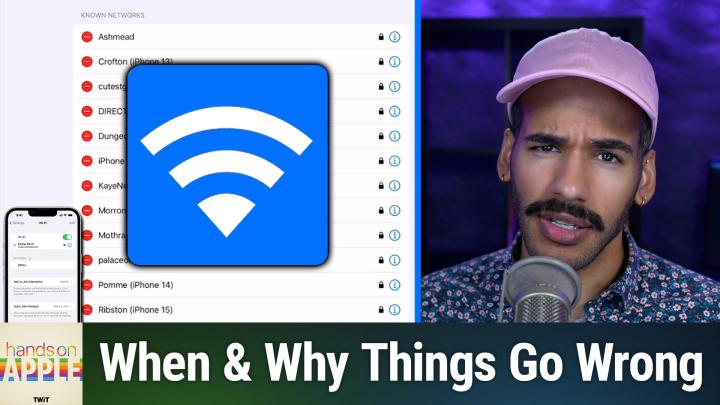
Struggling with slow Wi-Fi and apps that won't load properly on your iPhone or iPad? Mikah Sargent shares a look at the hidden Wi-Fi settings that could be sabotaging your internet experience, uncovering the specific toggles that might be causing Instagram videos to stop mid-scroll and social media sites to fail loading.
Managing Saved Networks - How to view and connect to your commonly used networks, plus adding hidden networks that don't broadcast their SSID
"Ask to Join Networks" Settings - Why Mikah chooses "Off" to avoid constant network prompts
Auto-Join Hotspot Feature - How your device can automatically connect to personal hotspots and when to use "Ask to Join" vs "Automatic"
Network Management with Face ID - Using the Edit button to access your complete network history stored in iCloud Keychain and removing unwanted connections
Auto-Join Problems - Why devices sometimes connect to guest networks instead of main networks and how to prevent this frustrating issue
Low Data Mode - A crucial setting for hotspots and limited data connections that disables background tasks like photo syncing and automatic updates
Private Wi-Fi Address Explained - How MAC address randomization protects your privacy but can cause connection issues with certain networks that use MAC filtering
IP Address Tracking - Why Apple's "Limit IP Address Tracking" feature (a premium service) often causes slow connections and social media loading failures
Host: Mikah Sargent
Download or subscribe to Hands-On Apple at https://twit.tv/shows/hands-on-apple
Want access to the ad-free video and exclusive features? Become a member of Club TWiT today! https://twit.tv/clubtwit
Club TWiT members can discuss this episode and leave feedback in the Club TWiT Discord.