About this episode
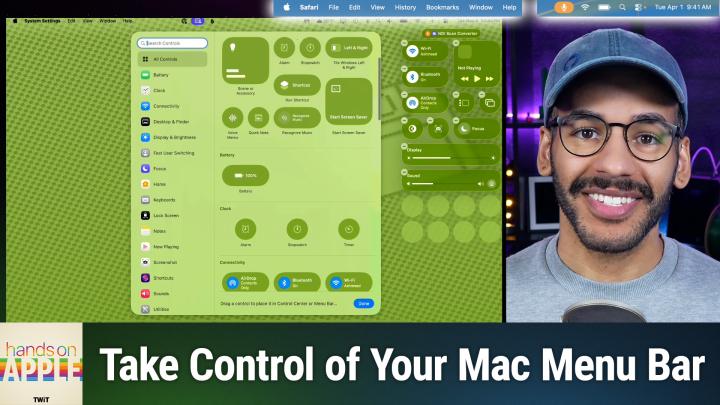
Mac users, forget juggling third-party apps! Apple's macOS Tahoe finally gives you real control over your menu bar and Control Center. Check out how this long-awaited update could change the way you work every day.
Exploring new default transparent menu bar background visuals
Adjusting menu bar visibility and hiding options in System Settings
Toggling menu bar background effects for better personalization
Managing recent documents, apps, and servers through menu bar settings
Adding, removing, and arranging controls in menu bar and Control Center
Detailed walkthrough of menu bar settings like WiFi, Bluetooth, battery, Focus, and display
Granular app icon management—allow or deny permission to show in menu bar
Rearranging menu bar icons using command+drag
Quick reset options and comprehensive clock display tweaks for the menu bar
Host: Mikah Sargent
Download or subscribe to Hands-On Apple at https://twit.tv/shows/hands-on-apple
Want access to the ad-free video and exclusive features? Become a member of Club TWiT today! https://twit.tv/clubtwit
Club TWiT members can discuss this episode and leave feedback in the Club TWiT Discord.