About this episode
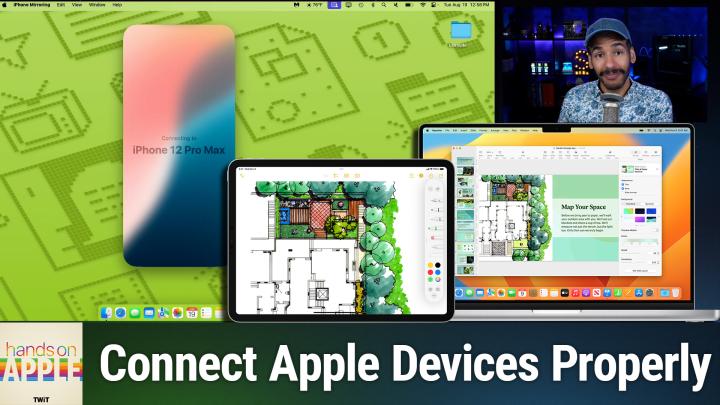
Don't let misbehaving Apple features derail your workflow. This episode explains the settings, strategies, and overlooked requirements that separate smooth users from the frustrated.
Common Universal Control issues: disconnects, lag, and connection failures
Universal Control requirements: hardware, Apple ID, iCloud, and keychain
Network setup tips for reliable Universal Control across devices
Fixing Universal Control with iCloud sign-out, restarts, and patience
Advanced Universal Control troubleshooting: deleting preference files and toggling settings
Resolving conflicts with display options, Stage Manager, Sidecar, and internet sharing
How to use USB connection to kickstart Universal Control
iPhone mirroring basics: behind-the-scenes tech and requirements
Fixing iPhone mirroring: ensure device compatibility, settings, and proximity
Step-by-step network troubleshooting for iPhone mirroring failures
Force quitting and resetting iPhone mirroring and device access
Diagnosing persistent issues with console logs and error messages
Mesh network quirks and system requirement confusion as common culprits
Host: Mikah Sargent
Download or subscribe to Hands-On Apple at https://twit.tv/shows/hands-on-apple
Want access to the ad-free video and exclusive features? Become a member of Club TWiT today! https://twit.tv/clubtwit
Club TWiT members can discuss this episode and leave feedback in the Club TWiT Discord.